Picture this: You are an editor sitting down to start a project. You have footage from three different cameras and separate audio files from a sound recorder. You drag them into your timeline, and then… nothing matches.
For the next four hours, you are manually sliding clips left and right, looking for visual cues, and praying the waveforms align. You are frustrated, the budget is burning, and you haven’t made a single creative cut yet.
This nightmare scenario is entirely preventable. The solution is Timecode.
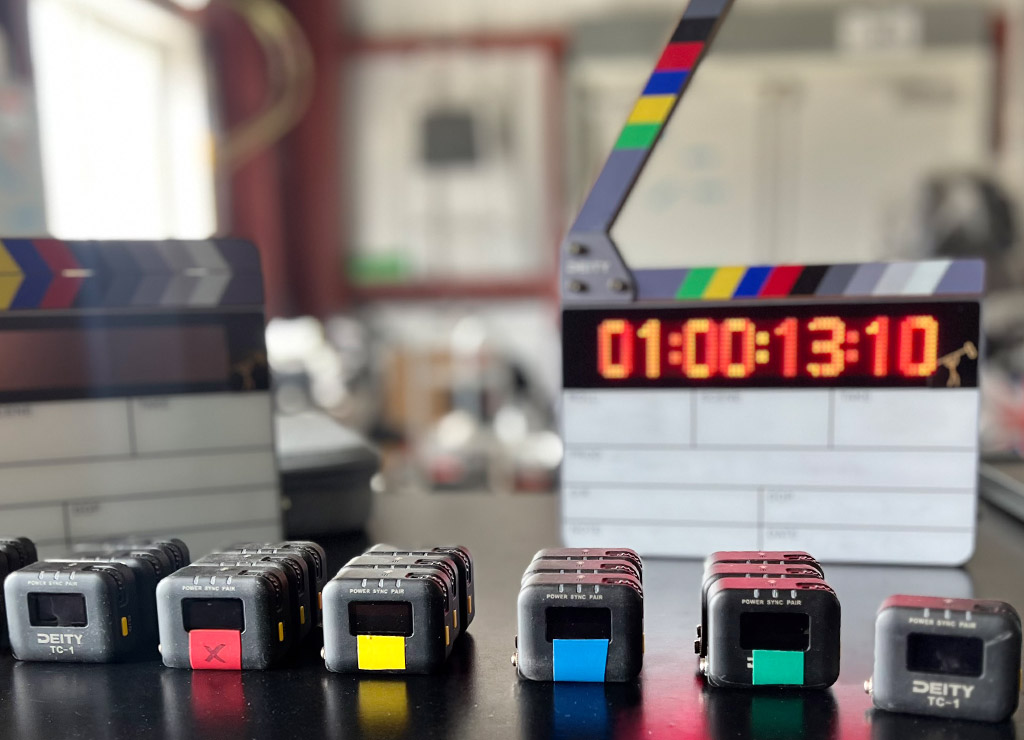
Often viewed as a luxury for “big budget” sets, timecode is actually the single most efficient tool for productions of any size. Here is why you need to stop relying on the clap and start treating timecode as essential gear.
What is Timecode?
At its simplest, timecode is a digital clock that labels every single frame of your video and audio with a unique address.
It is usually displayed as:
HH:MM:SS:FF (Hours : Minutes : Seconds : Frames)
When you use timecode, every device on your set—your Red Komodo, your Sony FX6, and your Zoom audio recorder—agrees on exactly what time it is, down to the specific frame.
The Catch: Why Other Sync Methods Fall Short
You might be saying, “But I already use the clap,” or “My editing software has an auto-sync button!” These methods are helpful, but they are not frame-accurate or reliable for long-form content.
| Method | How it Works | The Critical Flaw |
|---|---|---|
| Clap / Slate | Uses a loud, visual cue (the clap) to create an initial sync point. | Manual & Non-Continuous: Requires manually syncing every single clip and does nothing to prevent drift over time. |
| Waveform Auto-Sync | Software analyzes the scratch audio on the camera and matches the waveform pattern of the external audio. | Imprecise & Prone to Failure: Relies on noisy, low-quality camera audio. Fails if the clip is quiet. Most critically, it doesn’t correct for drift in long takes. |
| The Result | You get a rough sync at the start of the clip. | Over a long interview (20+ minutes), the slightly different internal clocks in your camera and recorder will cause the audio to slowly drift out of sync by multiple frames. This means hours of manual rate-stretching in post. |
Timecode solves all of this by providing a continuous, digital, frame-accurate reference from start to finish.

The 3 Pillars of Why Timecode Matters
1. Instant Audio Synchronization
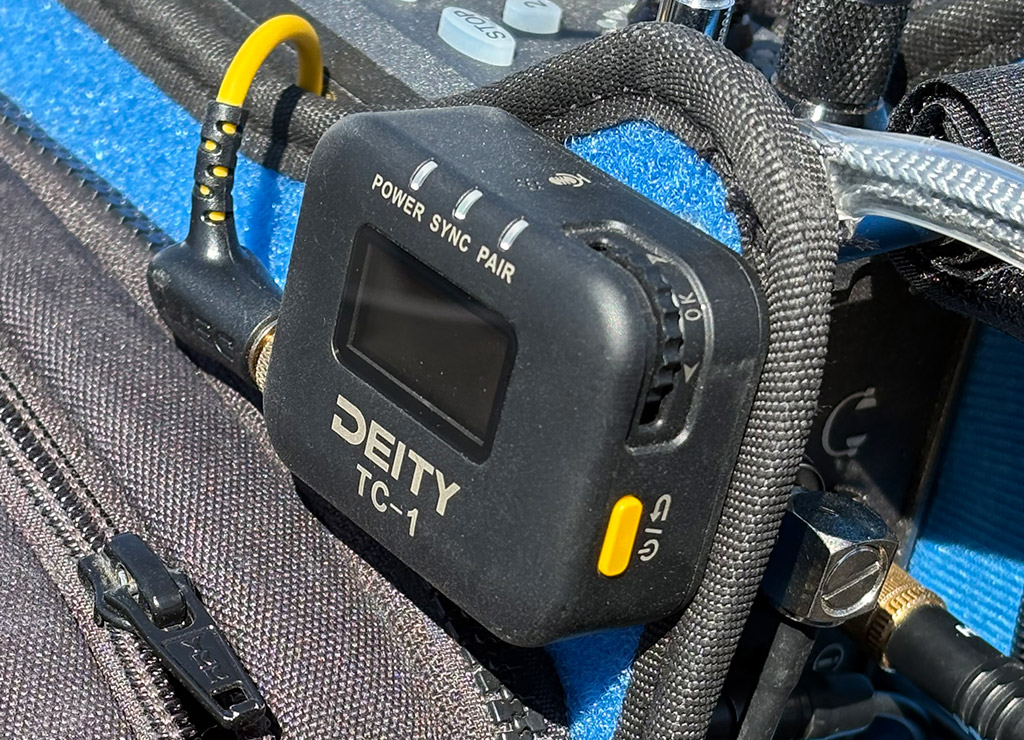
With timecode, you can “Jam Sync” your devices. This means your audio and video files share the same metadata. In post-production, you can select hundreds of clips, click “Sync by Timecode,” and instantly align days’ worth of footage in seconds—with drift corrected.
2. The Multi-Cam Safety Net
Timecode generators act as a master clock, forcing every device to stay in perfect lock-step. This is essential for long-form shooting (interviews, documentaries) where cameras and recorders are otherwise guaranteed to drift out of sync by several frames.
3. Professional Communication & Logging
Timecode isn’t just for machines; it’s for humans, too.
- Script Supervisors: Can note exactly when a good take happened (“Check 02:15:30:12 for the best delivery”).
- Transcriptions: Automated transcription services use timecode to map text to video.
- Client Review: Timecode ensures everyone is looking at the exact same moment.

Don’t Guess—Get Sync’d with Stickman Sound
The biggest barrier to using timecode usually isn’t cost—it’s intimidation. Every camera has a different menu system, different cables, and different input settings.
That is where Stickman Sound bridges the gap.
We don’t just hand you a box and wish you luck. We believe that if you aren’t confident using the gear, the gear isn’t useful. We’ll provide the boxes as part of your package, show you which buttons to press, and make sure your next production never drifts out of sync.
- It’s Included, Not Extra: We believe timecode is a necessity, not an upsell. That is why every Stickman Sound standard sound package comes with three sync boxes included. We equip you to sync a 3-camera shoot right out of the gate, without nickel-and-diming your budget.
- We Know Your Camera: Arri, Red, Sony, Blackmagic, Canon—we know them all. We understand the specific menu sub-settings required to get them to accept external timecode.
- We Will Teach You: This is the Stickman Sound difference. When you rent from us, we will teach you how to jam your devices. We will walk you through the process, check your frame rates, and ensure you leave our shop knowing exactly how to keep your set in sync.
Don’t let technical intimidation stop you from running a professional workflow. Get in touch with us today using the form below!
We can’t wait tohear from you.
Our friendly team of audio engineers are ready to help, anytime, anywhere! Give us a call or fill out the form below and we’ll get in touch with you soon.